Anúncios
You want fast, fun games that start in seconds and won’t clutter your device. Play top browser games instantly through your web browser—no downloads, no installers, and minimal setup—so you can jump into puzzles, shooters, strategy, and casual titles right away.
This post shows standout no-download options across genres, explains how they run directly in your browser, and gives quick tips to play safely and smoothly. Expect game picks that work on most devices, short guides to performance and security, and clear suggestions to match how you like to play.
Best Browser Games Without Downloads

You can jump into fast multiplayer matches, solo puzzle and story-driven titles, or deep strategy games — all from your browser with no installs. Each option lists where to play, what to expect, and why it stands out so you can pick quickly.
Top-Rated Multiplayer Experiences
You’ll find quick matchmaking and large player pools in games like Krunker.io, Gartic.io, and Shell Shockers. Krunker.io delivers first-person shooter action with low latency and custom servers, making it great if you want responsive gunplay without client installs. Gartic.io supports drawing rounds with public and private rooms, which works well for casual groups and party nights. Shell Shockers uses simple controls and short rounds, ideal for bite-sized competitive play when you have limited time.
Look also for WebRTC-based titles on sites like CrazyGames and Kongregate for voice and real-time interaction. Check browser compatibility and disable strict tracker blockers if you encounter connection issues. Expect cross-platform play with mobile browsers in many cases.
Popular Single-Player Browser Games
You can play narrative and puzzle experiences such as A Dark Room, Kingdom of Loathing, and Slope without downloads. A Dark Room combines minimalist text-driven storytelling with resource management, good for players who enjoy emergent narratives. Kingdom of Loathing provides comedic turn-based gameplay with light RPG mechanics and a persistent account, which suits casual progression. Slope offers reflex-based arcade fun with endless runs and simple controls that work well on both desktop and laptop browsers.
Look for HTML5 or WebAssembly builds for best performance; Flash-era titles on archive sites may require extra steps. Use keyboard shortcuts and fullscreen mode for the most immersive single-player sessions.
Competitive Strategy Games
You can engage in deep strategy with titles like Little War Game, Forge of Empires’ browser client, and online board-game ports on Tabletopia. Little War Game offers RTS mechanics with base-building and unit micromanagement in browser-friendly formats, appealing to players who want fast skirmishes. Forge of Empires provides long-term empire growth and PvP seasons through a web client, which suits strategic planning and asynchronous competition. Tabletopia hosts accurate board-game simulations with turn timers and lobby systems, ideal if you prefer strategy without lengthy downloads.
Prioritize games that save progress server-side and offer ranked ladders if you care about competitive integrity. Monitor latency and use wired connections for the smoothest strategic play.
Genres of Browser Games You Can Play Instantly
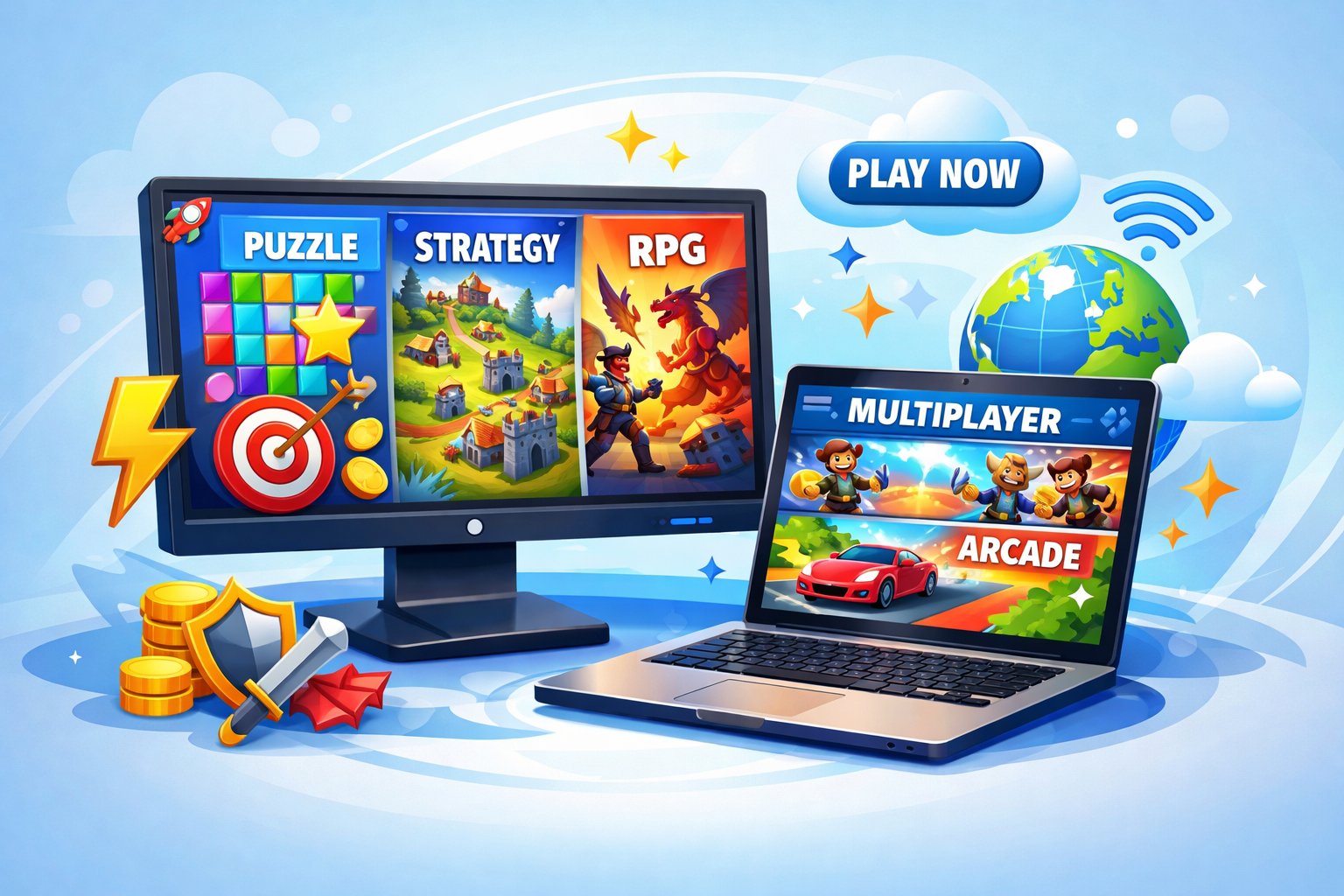
You can jump into short, focused sessions or spend hours on deeper experiences without installing anything. The most common genres include puzzle challenges that sharpen thinking, quick arcade games for immediate fun, and lightweight adventure titles that deliver narrative and exploration in your browser.
Puzzle and Brain Teasers
You’ll find match-3, logic grids, and physics-based puzzles that load in seconds and work on phones and desktops. Games like Hexologic, Candy-match clones, and HTML5-powered physics puzzles force you to plan moves, recognize patterns, or manipulate objects precisely.
Look for features that matter: progressive difficulty, level editors, and offline saving via localStorage. Timed challenges and leaderboard support give replay value without long sessions.
Accessibility matters: keyboard controls, colorblind modes, and adjustable difficulty make puzzle games playable for more people. Many titles also provide short daily puzzles that fit into a commute or break.
Casual and Arcade Titles
Casual browser games include clickers, idle games, platformers, and single-screen high-score challenges that prioritize immediate engagement. Titles such as endless runners, minimalist shooters, and puzzle-platform microlevels usually start in under two seconds.
You should check control responsiveness and input latency; good browser arcade games use requestAnimationFrame and optimized assets to avoid lag. Social features—friend leaderboards, sharing buttons, and quick multiplayer lobbies—extend play without forcing downloads.
Microtransactions are common but optional: look for cosmetic purchases or ad-light options rather than paywalls for progression. Many casual hits support mobile touch plus keyboard, letting you switch devices seamlessly.
Adventure Games in Your Browser
Browser adventures range from short interactive stories and point-and-click mysteries to lightweight open-world sandboxes built in WebGL. Expect chaptered narratives, inventory puzzles, and clickable environments that run directly in Chrome, Firefox, or Safari.
Key technical traits include asset streaming, save-to-cloud or localStorage, and responsive UI for touch and mouse. Good browser adventures compress sprites and audio to reduce load time while keeping scenes rich and immersive.
You should prioritize games with clear navigation, readable text, and visual cues for interactable objects. Episodic releases and community mod support appear in some titles, offering longer-term engagement without ever leaving your browser.
How Browser Games Work Without Downloads

You load a game and start playing instantly because the game runs from remote servers or directly in your browser engine. This depends on streaming tech, client-side code, and standard web APIs that handle graphics, audio, input, and networking.
Cloud-Based Gaming Technology
Cloud gaming streams rendered video of the game to your browser while sending your inputs back to a remote server. Providers use GPU farms (NVIDIA/AMD-class hardware) to run full game instances, encode frames with H.264/H.265 or AV1, and push them over low-latency WebRTC or WebSockets connections.
You need a stable upstream/downstream connection — typically 15–25 Mbps for 1080p at 60 fps — and sub-50 ms round-trip latency for responsive controls. Providers also implement adaptive bitrate streaming and server-side input prediction to smooth jitter and packet loss.
Security and account tying occur server-side: saves, DLC access, and anti-cheat run on the host machines rather than your device. That lets you play high-fidelity titles on low-power hardware, but it requires continuous internet access and can incur subscription or per-hour fees.
HTML5 vs Flash-Based Games
HTML5 games use JavaScript, WebAssembly, Canvas, and WebGL to run natively in modern browsers without plugins. They load assets (images, audio, JSON) over HTTP(S), execute rendering and game logic locally, and can use Service Workers and IndexedDB for caching and offline play.
Flash games relied on the Adobe Flash plugin and executed code in the plugin sandbox; browsers phased out Flash by 2020 due to security and performance issues. Unlike Flash, HTML5 benefits from built-in browser optimizations, hardware-accelerated graphics, and standardized APIs like WebAudio and Pointer Events.
For you, that means broader compatibility (desktop and mobile), faster startup, and better security. However, complex 3D or AAA experiences may still prefer cloud streaming rather than pure client-side HTML5.
Advantages of No-Download Browser Games
You can play without waiting, manage storage easily, and switch devices quickly. These games free you from installers, large updates, and most platform locks while still delivering fast, casual, and competitive experiences.
Instant Accessibility
You open a link and the game runs in seconds. No installers, no multi-gigabyte patches, and no admin rights needed on most work or school machines.
Loading times depend on the site and your connection. Many games use HTML5 or WebAssembly, which streamlines startup and reduces latency compared with heavy client installs. You skip package managers and app store approvals, so developers can push small updates to fix bugs within hours.
Account options often include guest play or social logins (Google, Facebook), letting you test a game instantly without creating a full account. This lowers friction for trying multiple titles and deciding what you want to keep playing.
Cross-Device Compatibility
Browser games run on desktops, laptops, and many tablets using the same codebase. Developers commonly target modern browsers (Chrome, Firefox, Edge, Safari), so you don’t need platform-specific builds for Windows, macOS, or Linux.
Controls adapt to input type: keyboard/mouse on desktop, touch on tablets and smartphones. Cloud-synced accounts and local storage let you resume progress across devices—start a level on your laptop and continue on a tablet without transferring files.
Performance varies by device capability and browser version, but many titles offer scalable graphics settings and adaptive sound to match lower-end hardware. This makes browser games practical for casual play on older machines and convenient for quick sessions on the go.
Tips for Safe and Enjoyable Gaming Online
Keep software updated, use strong unique passwords, and control what data you share. Block unknown downloads and be selective about in-game purchases and social connections.
Avoiding Security Risks
Install updates for your browser and operating system as soon as they’re available; many attacks exploit outdated software. Enable automatic updates when possible to reduce manual maintenance.
Run a reputable antivirus or endpoint solution and scan new files before opening them. Use browser extensions sparingly; remove ones you don’t use and verify developer reputation and reviews.
Only load games from sites using HTTPS and recognized domains. If a game requests a download or executable, treat it as a red flag unless you trust the publisher. Avoid running unknown scripts or allowing browser plugins to execute code.
Use a separate browser profile or a guest session for gaming sites that require third-party content. That limits cross-site cookies and extensions from accessing your main browsing data.
Protecting Your Privacy
Limit personal information on profiles: use a nickname, omit birthdate and precise location, and supply a generic avatar. Treat any public chat or forum as visible to strangers and future readers.
Manage account permissions and authentication: use unique passwords and a password manager, and enable two-factor authentication (2FA) where offered. Prefer authenticator apps or hardware keys over SMS for stronger protection.
Check payment options before buying: use single-use virtual cards, PayPal, or other services that mask your primary card number. Keep receipts and monitor statements for unauthorized charges after purchases.
Review site privacy settings and cookie controls. Clear site data when finished playing, and disable third-party cookies or tracker blockers for better privacy control.