Anúncios
You can cut tenths of a second off your response time by training specific skills, tuning your setup, and adjusting everyday habits. Focus on targeted drills for visual recognition and motor control, optimize your hardware and settings for minimal input lag, and maintain sleep, nutrition, and short reaction-focused workouts to keep your mind sharp. Those combined changes produce measurable gains in fast-paced play.

This article explains what reaction time actually means in-game, shows practical training techniques you can do in short sessions, and guides you through simple physical and tech tweaks that reduce delay. Expect clear, actionable steps you can try tonight to start seeing faster, more consistent reactions.
Understanding Reaction Time in Fast-Paced Games
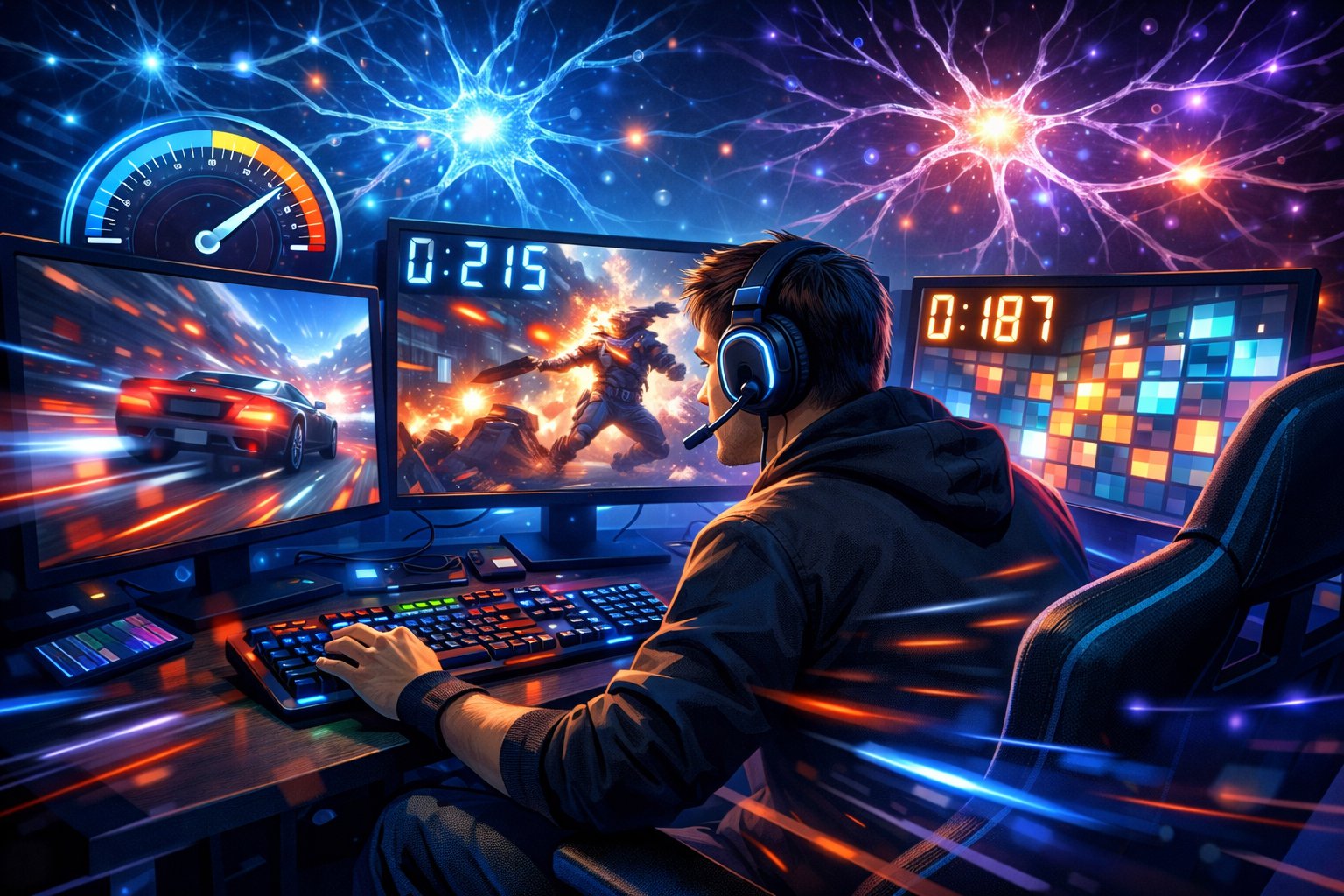
Reaction time combines how quickly your brain detects a stimulus, how fast it processes the information, and how rapidly your muscles execute a response. You’ll learn which physiological and cognitive factors matter, what types of reaction times exist, and why milliseconds change match outcomes.
The Science Behind Reaction Time
Reaction time starts with sensory detection: your eyes or ears register a cue, then neural signals travel to visual and motor cortices. Transmission speed depends on nerve conduction velocity, synaptic efficiency, and myelination, all of which vary by age, genetics, and training.
Processing involves attention, pattern recognition, decision thresholds, and prediction. Faster players optimize attention focus and use learned heuristics so decisions require fewer neural computations.
Motor response speed hinges on muscle fiber composition and neuromuscular coordination. Practice increases motor program efficiency and lowers variability in execution.
Key measurable components: stimulus onset latency, central processing time, and motor execution time. You can improve each component with targeted drills and controlled fatigue management.
Types of Reaction Time
Simple reaction time requires a single known response to a single known stimulus, like pressing a key when a light appears. This measures pure sensorimotor latency and typically ranges 150–250 ms in trained gamers.
Choice reaction time involves selecting between multiple responses based on the stimulus, such as choosing between dodge, block, or fire. This adds decision-making time and benefits from practiced stimulus–response mappings.
Go/no-go reaction time tests inhibitory control: you respond to some stimuli and withhold response to others. This trains impulse control and reduces false positives in chaotic gameplay.
Temporal anticipation changes your effective reaction time: if you predict timing correctly, you can pre-activate motor patterns and respond sooner than reactive latency alone would allow.
Why Quick Reactions Matter in Gaming
Milliseconds determine hit registration, counterplay windows, and ability to punish mistakes. In shooters, faster target acquisition and trigger time directly increase accuracy under pressure.
In fighting and platform games, quick defensive reactions let you block or evade combos; quick offensive reactions let you convert frames into damage. Your reaction speed also affects reading opponents and exploiting openings.
Speed interacts with strategy: you can play more aggressively if your reaction time reliably covers risks. Conversely, slower reactions force you into defensive, anticipatory play styles that rely on prediction over reflexes.
Improving reaction time improves consistency under stress, reduces error rates during fatigue, and raises your ceiling for advanced mechanical techniques.
Training Techniques to Enhance Reaction Speed
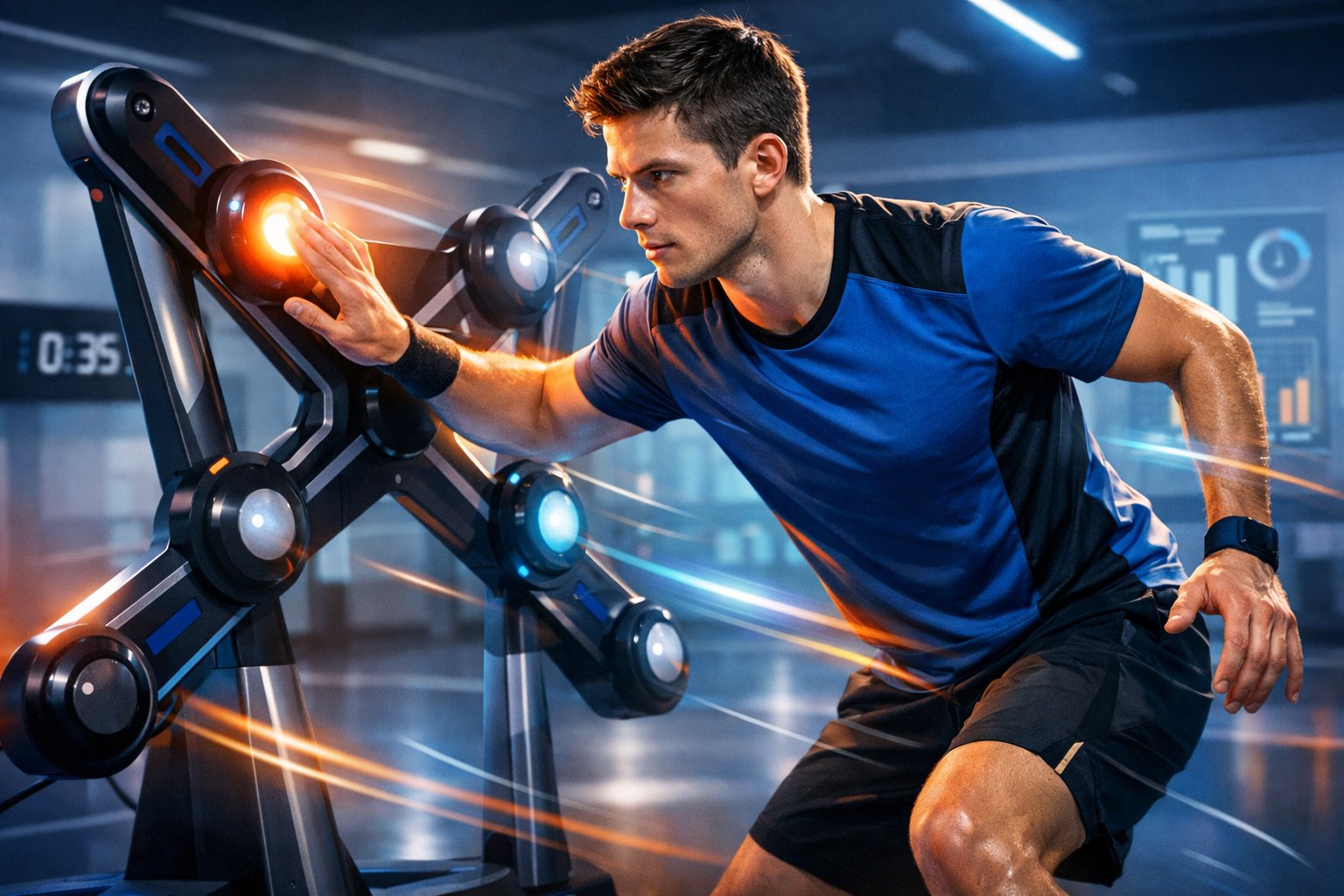
Build consistent habits, practice specific drills, and use tools that measure response time. Focus on short, frequent sessions that train perceptual speed, motor execution, and decision-making under pressure.
Targeted Drills for Gamers
Use fingertip and wrist warm-ups for 60–90 seconds to raise blood flow before every session. Incorporate reaction ladder drills on a keyboard or controller: call out randomized keys or directions and hit them as fast as possible for 30–45 seconds, rest 15 seconds, repeat 6–10 rounds.
Practice chunked pattern recognition by drilling common in-game scenarios. For example, queue 10 repeated enemy spawn positions and respond with the same preset action; then randomize order and reduce time allowed per response.
Add contrast training to improve motor execution: alternate heavy-resistance finger exercises (stress ball squeezes, 10–15 reps) with rapid tap sets (20–30 seconds) to train force-to-speed transition. Track times with a stopwatch or app to measure progress.
Reflex Training Games and Apps
Choose apps that report milliseconds for each response, like humanbenchmark-style tests or specialized esports trainers. Run 3–5 rounds of a single test (reaction time, aim trainer flicks) and keep the fastest and average values.
Use adaptive difficulty tools that tighten target windows as you improve. Play aim trainers with randomized target positions and variable sizes; focus on consistent accuracy above raw speed to avoid forming poor habits.
Integrate peripheral vision drills with flashing-dot or multi-target apps to widen detection area. Schedule 10–15 minutes of app training three times per week and export scores or take screenshots to compare weekly trends.
Video Game Practice Methods
Design practice sessions around specific mechanics: dedicate segments to aim, tracking, and target prioritization. For aim, perform 10-minute warm-up routines then do focused 20-minute blocks on micro-skills (flicks, tracking) with short rests.
Use scenario-based custom matches or bots to simulate pressure. Increase spawn speed, reduce health, or add distractions progressively to replicate competitive pacing without chaotic variability.
Record and review short clips of missed reactions to identify perceptual or motor errors. Implement split-training: one session for raw speed (timed drills), another for decision speed (situational practice), and rotate weekly to balance improvements.
Optimizing Physical and Mental Factors
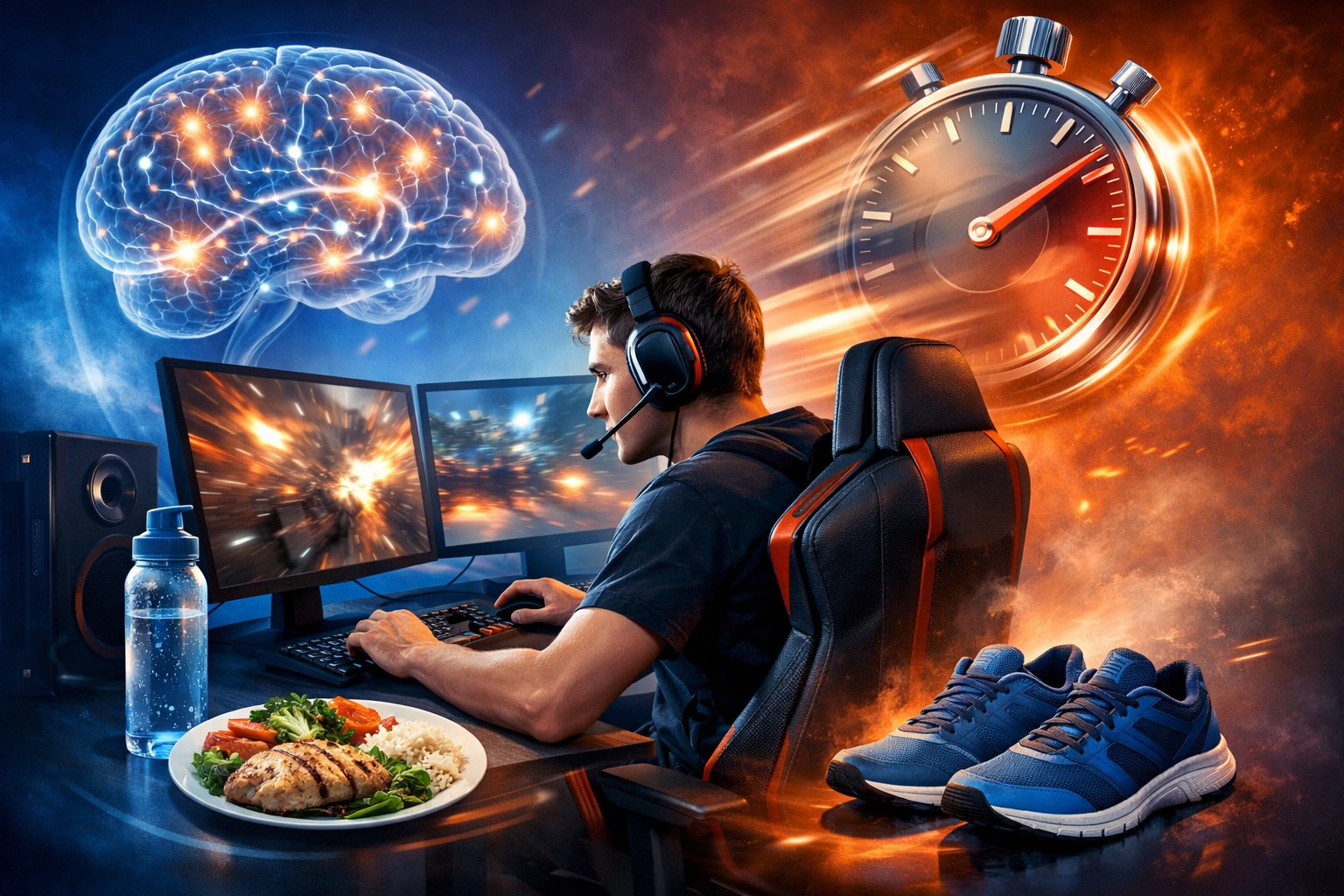
Train specific motor skills, sharpen sustained attention, and streamline choice processes to shave milliseconds from your play. Practical drills, sleep and hydration habits, and decision frameworks deliver measurable gains.
Improving Hand-Eye Coordination
Use targeted drills that force quick visual-to-motor mapping. Practice tracking small fast-moving targets on-screen at varying speeds for 10–20 minutes daily. Include tasks like flick-shot drills, dynamic target grids, and cursor-speed variability exercises.
Add offline exercises: ball toss against a wall, juggle two balls, or use a reflex ball to reinforce timing and spatial prediction. These build proprioception and timing without screen fatigue.
Structure sessions with progressive overload. Start with larger, slower targets and tighten size/speed as accuracy improves. Record hit rates and reaction times so you can adjust difficulty objectively. Rest 2–3 minutes between intense short sets to avoid performance drop from fatigue.
Optimize equipment and posture. Use a mouse sensitivity that lets you make precise micro-adjustments without excessive arm movement. Sit with forearms supported, eyes level with the screen, and a 50–70 cm viewing distance to reduce micro-saccade delay.
Enhancing Focus and Concentration
Remove predictable distractions and control sensory input. Play in a quiet room or use noise-cancelling headphones; turn off nonessential notifications and set a 45–90 minute focused session window. Short, regular practice beats long unfocused hours.
Train attention with specific drills: 20-minute sustained-attention tasks (continuous performance tests), 5–10 minute mindfulness breathing before play, and dual-task practice that combines pattern recognition with timed responses. These increase your ability to maintain vigilance under pressure.
Manage physiological drivers of attention. Prioritize 7–9 hours of sleep, moderate caffeine (50–150 mg) 30–60 minutes before play, and consistent blood glucose via small, protein-rich snacks. Hydrate gradually—aim for 250–500 ml of water in the hour before a session.
Reducing Latency in Decision-Making
Map common in-game situations and create simple decision trees. For each scenario, write a one- or two-step action rule (e.g., “enemy flank spotted + low ammo = retreat to cover”), then drill these rules in scenario training until they become automatic. Automation reduces cognitive load and choice time.
Use time-limited practice to force faster selections. Play drills with a strict response deadline (300–800 ms depending on task) and increase speed as accuracy stays acceptable. Track decision accuracy vs. response time in a simple table to find your optimal speed-accuracy balance.
Simplify perceptual input to speed recognition. Configure HUD and crosshair for maximum contrast, reduce clutter, and bind critical actions to easily reachable keys. Muscle memory from consistent bindings lowers the need for conscious selection and trims latencies.
Lifestyle Adjustments for Faster Reactions
Focus on fuel, sleep, movement, and stress control to sharpen processing speed, motor responses, and sustained attention. Small, measurable changes in daily routines produce the clearest improvements.
Balanced Nutrition for Cognitive Performance
Prioritize steady blood sugar and brain-building nutrients to reduce reaction lag. Eat regular meals with protein (eggs, chicken, legumes) and fiber-rich carbs (oats, sweet potato, whole grains) to avoid mid-game energy drops.
Include omega-3 sources like salmon, walnuts, or supplement-grade EPA/DHA to support synaptic function and clarity. Aim for 250–500 mg combined EPA/DHA daily unless a clinician advises otherwise.
Micronutrients matter: get B12 (animal products or supplement if vegan), iron (red meat, spinach + vitamin C), magnesium (nuts, leafy greens), and vitamin D (sunlight or 1,000–2,000 IU/day if deficient). Hydrate consistently — 300–500 ml every 1–2 hours during long sessions. Limit heavy meals, alcohol, and excessive caffeine before play; prefer 100–200 mg caffeine when you need a short-term alertness boost.
Importance of Quality Sleep
React faster when you get consolidated deep and REM sleep. Target 7–9 hours nightly and keep bedtime within a 60-minute window to stabilize circadian rhythm.
Build a pre-sleep routine: dim lights 60 minutes before bed, avoid screens or use blue-light filters, and perform a calming task like light reading. Make the bedroom cool, dark, and quiet; 16–19°C (60–67°F) works well for many people.
If naps help, keep them to 20–30 minutes midday to boost alertness without impairing nighttime sleep. Track sleep with a diary or wearable to spot patterns; address persistent insomnia with a clinician rather than self-medicating.
Exercise and Physical Fitness
Combine aerobic, strength, and coordination training to speed neural signaling and motor responses. Do at least 150 minutes of moderate cardio weekly (brisk walking, cycling) to improve blood flow and endurance.
Add two strength sessions per week focusing on compound movements (squats, deadlifts, rows) to increase power and stability. Practice high-intensity interval training (HIIT) once or twice weekly for fast twitch recruitment and rapid recovery.
Include sport-specific drills: agility ladders, quick footwork, and reaction ball drills train the exact neural pathways you use in fast games. Add 10–15 minutes of dynamic warm-ups before play and cooldown mobility work after.
Managing Stress Effectively
Lower chronic stress to reduce cognitive noise and reaction variability. Use brief, repeated strategies: 5–10 minutes of box breathing, progressive muscle relaxation, or guided imagery before sessions to steady heart rate and focus.
Schedule deliberate breaks during long practice blocks: 5–10 minutes every 45–60 minutes restores attention and reduces fatigue. Use checklists and pre-game routines to minimize decision stress and preserve processing capacity for execution.
If anxiety or chronic stress affects performance, work with a coach or mental health professional on CBT techniques, exposure training, or biofeedback. Track stressors and responses in a short log to identify patterns you can change.
Tuning Your Gaming Setup for Minimal Input Lag
Prioritize low-latency hardware, tweak game and OS settings for frame delivery, and keep peripherals and firmware up to date. Small changes to monitor, GPU, and mouse settings often yield the biggest real-world improvements.
Choosing High-Performance Hardware
Pick a monitor with 144 Hz or higher refresh rate and 1–4 ms GtG response; if you play competitively, choose 240 Hz or 360 Hz IPS/TN/fast VA panels. Use a display with DisplayPort at native refresh instead of HDMI when possible to avoid reduced refresh or added latency.
Select a GPU and CPU that can sustain frame rates above your monitor’s refresh; target 100–200% of the refresh rate for headroom to avoid stutter. Prefer GPUs with low-latency driver features (e.g., NVIDIA Reflex, AMD Anti-Lag) and pair with a CPU that has strong single-thread performance.
Choose a wired gaming mouse with a polling rate of 500–1000 Hz and low latency sensor (sub-1 ms input delay reported). Use a mechanical keyboard with n-key rollover and wired connection. Avoid wireless unless it advertises pro-grade latency and you verify performance.
Optimizing Game and System Settings
Set your game’s refresh rate and resolution to match the monitor’s native mode in both the game and Windows display settings. Enable full-screen exclusive or “fullscreen” mode for minimal compositor delay; disable any forced V-Sync unless you use adaptive sync like G-SYNC/FreeSync configured for a narrow range.
Lower graphical settings that cause frame drops—shadows, post-processing, and crowd density—until your GPU maintains stable high FPS. Enable low-latency or “maximize performance” modes in GPU control panels and turn on driver features like NVIDIA Reflex Low Latency or AMD Anti-Lag when supported.
Adjust OS settings: disable game DVR/recording, set power plan to High Performance, and turn off background apps that spike CPU usage. Use up-to-date GPU drivers from the vendor and avoid beta drivers unless you need a specific fix.
Maintaining Peripheral Responsiveness
Keep firmware and drivers for mouse, keyboard, and headset current; manufacturers often release latency and stability fixes. Use the vendor’s performance software to set polling rate, DPI, and lift-off distance; test different DPI and sensitivity to find the balance between precision and required physical movement.
Use quality, short USB cables and direct motherboard USB ports rather than front-panel hubs to reduce USB latency and interference. For wireless devices, minimize radio interference: place dongles in front USB ports, use USB extension cables if needed, and avoid crowded 2.4 GHz environments.
Regularly clean and lubricate mouse feet, replace worn mouse skates, and keep key switches free of debris; mechanical wear can introduce inconsistent input timing. Periodically run latency tests (frame-rate + input capture or software like RTSS+cap) to verify that changes actually reduced input lag.